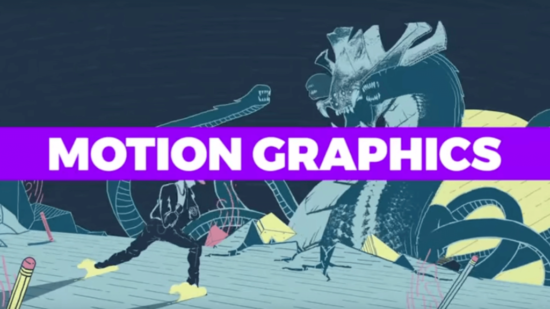
Motion graphics is an art form that utilizes video editing software to create animated and interactive content. In the past decade, motion graphics have become more popular than ever before and are now a fundamental part of many businesses. It has become an integral part of the visual storytelling landscape. They combine graphic design with animation to create captivating and engaging visuals that communicate messages effectively.
Whether it’s in the film and entertainment industry, advertising, web design, or even education, motion graphics play a crucial role in conveying complex information in an engaging manner. In this article, we’ll explore what motion graphics are, their significance across various industries, and the top 5 software tools that can help you master creativity in this field.
What Is Motion Graphics?
Before diving into the software tools, it’s essential to understand what motion graphics are. Motion graphics are animated graphic elements that combine text, images, and other visual elements to create engaging and dynamic content. They can be used to convey information, tell stories, or simply add visual interest to a project. Motion graphics are not limited to one specific medium; you can find them in films, TV shows, advertising, web design, mobile apps, and more.
Motion graphics can be broken down into two categories: 2D animation (or “flat” animation) and 3D computer-generated imagery (CGI). 2D animation is made up of flat layers of images that move across the screen simultaneously, while 3D CGI uses polygonal objects with textures mapped onto them for its characters’ skin surfaces; both types may also include particle systems for smoke effects, etcetera.
Importance Of Motion Graphics In Various Industries
Motion graphics have become a game-changer in various industries. Here’s a glimpse of their significance:
1. Entertainment Industry
Motion graphics are extensively used in film and television. They create eye-catching titles, credits, and visual effects, enhancing the overall viewing experience. They are also used in music videos as well as commercials. The increasing popularity of social media has also led to a surge in the demand for such graphics. They are used to create animations and videos that can be shared on various platforms, including Facebook and Instagram.
2. Advertising
In the world of advertising, motion graphics bring products and services to life, making them more appealing and easier to understand. They can turn a dull message into an engaging and memorable one. They are particularly effective when used in brand campaigns and product launches. Motion graphics are also used in the production of commercials, where they are often combined with live-action footage and special effects. This combination helps to create a compelling story that keeps viewers engaged throughout.
3. Web Design
Websites that incorporate motion graphics capture and retain visitors’ attention, making the user experience more enjoyable and interactive. Motion graphics can be used to create an eye-catching splash page, navigation buttons, and icons, or even a full-screen video that acts as a welcome mat at the top of each page. They are also useful when designing e-commerce websites because they can help to navigate from one product category to another.
5 Top Software Tools For Motion Graphics
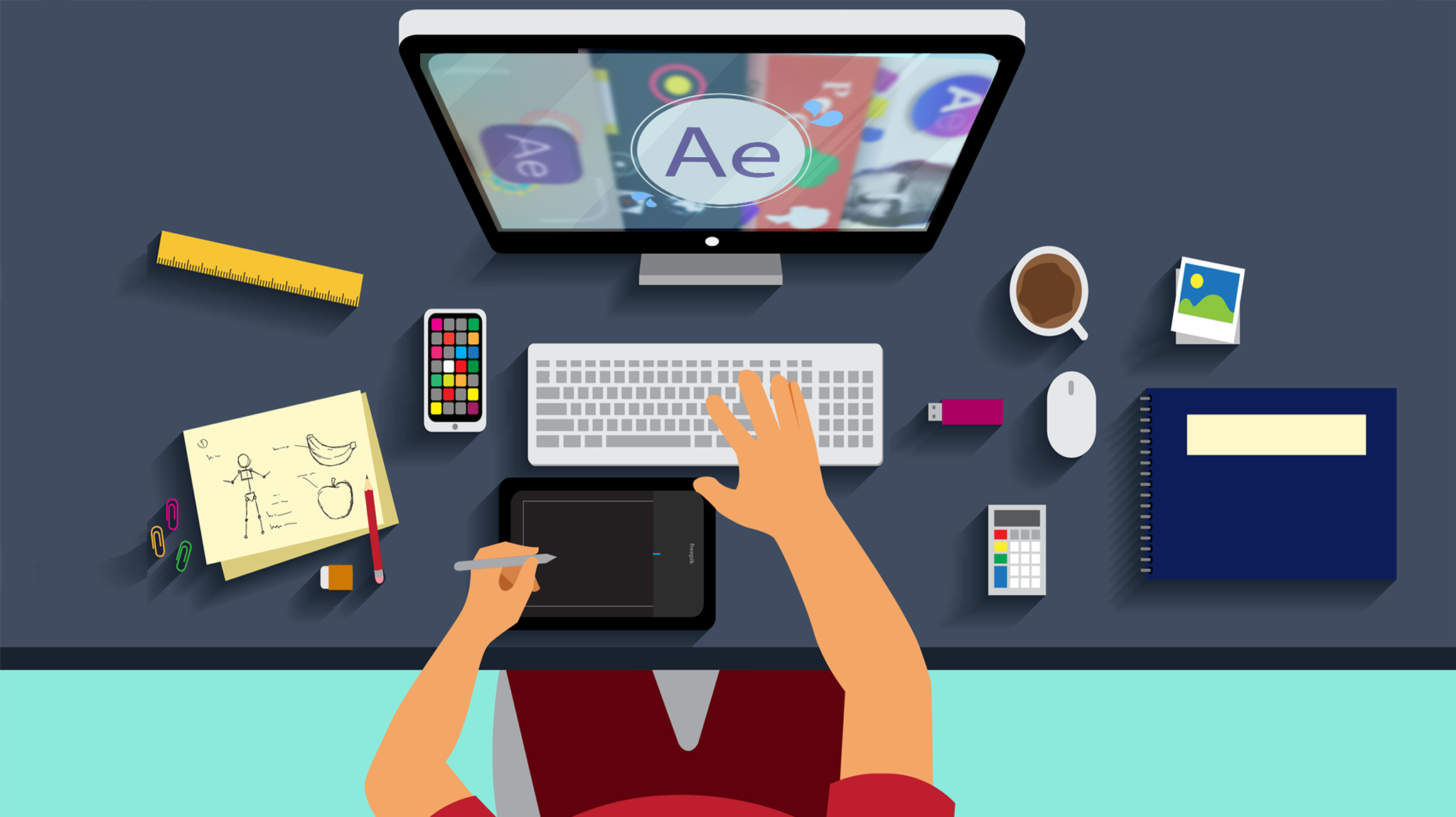
Motion graphics can add a lot of visual interest to your videos. Here are five powerful software tools that will help you create stunning motion graphics for your next video project:
1. Adobe After Effects
Adobe After Effects is a professional tool for creating motion graphics and visual effects. It’s used by many of the top studios in Hollywood, including Pixar and DreamWorks Animation. The software provides a wide range of tools for creating animations, from simple titles to complex 3D scenes with high-quality rendering. You can also use After Effects to add visual effects to your video projects, like adding blur or lens flares to mimic real-life photography.
2. Maxon Cinema 4D
Cinema 4D is a 3D animation and modeling software that excels in creating 3D motion graphics. It’s known for its user-friendly interface and powerful 3D capabilities. Cinema 4D is used by many professional studios, including Pixar and Industrial Light & Magic. It provides a wide range of tools for modeling, texturing, lighting, and rendering 3D scenes. Plus, you can use Cinema 4D to create animations with realistic motion-tracking effects. It’s a great choice for both beginners and professionals, as it offers tools for modeling, animation, rendering, and more.
3. Apple Motion
Apple Motion is perfect for Mac users. It provides an intuitive platform for creating stunning motion graphics, complete with built-in templates and effects. The software is easy to use, and it’s a great option for beginners. Plus, Apple Motion includes professional-level features like 3D animation and advanced compositing. With the software, you can create video titles, lower thirds, transitions, and more. Apple Motion is available as part of the Apple Final Cut Pro X suite, which also includes other video editing software.
4. HitFilm Express
HitFilm Express is a budget-friendly option that doesn’t compromise on features. It’s a solid choice for beginners and offers compositing and visual effects capabilities. With the software, you can create simple animations, titles, motion graphics, and more. HitFilm Express includes an array of built-in effects, including color correction tools and filters. The software comes with a number of pre-built templates and effects, which makes it easy to create simple videos.
5. Blender
Blender is a free and open-source 3D creation suite. While it’s often associated with 3D modeling and animation, it’s increasingly being used for motion graphics as well. It’s a powerful tool with a range of features that make it useful for a variety of purposes, including post-production. The software supports a wide range of file formats, including OBJ, FBX, and COLLADA. You can also import and export in OpenEXR format, which is useful because many commercial tools don’t support this type of file.
Motion Graphic Design Tips
To create effective motion graphics, keep these design tips in mind:
- Storytelling: Motion graphics are a storytelling medium. Ensure your animations have a clear and compelling narrative. Your story should have a clear beginning, middle, and end. It also should have a strong emotional impact on the viewer. Your animations need to be entertaining as well as informative or educational.
- Sound and Music: Sound adds depth to motion graphics. Choose audio that complements your visuals and enhances the viewer’s experience. Use music that matches the mood of your animation and supports the story you’re trying to tell. If you’re using narration in your motion graphics, choose a narrator with a pleasant voice and good diction. It’s also important to include ambient sound effects that help set the scene and tell the story. Keep in mind that music should build and change over time, just like good storytelling.
- Color and Typography: Pay attention to color schemes and typography choices. They significantly impact the mood and readability of your graphics (e.g., black text on a white background vs white text on a black background). The right colors can help bring your motion graphics to life. For example, use bright and energetic colors for upbeat animations and dark hues for more serious projects. When choosing a color palette, consider what you want your viewers to feel or think when they see it.
- Stay Updated: The world of motion graphics is ever-evolving. Stay updated with the latest trends and techniques to keep your work fresh and relevant. As a motion graphics artist, you have the opportunity to create something that’s never been seen before. Use your creativity and imagination to bring your ideas to life.
How to Choose the Right Software for Your Needs
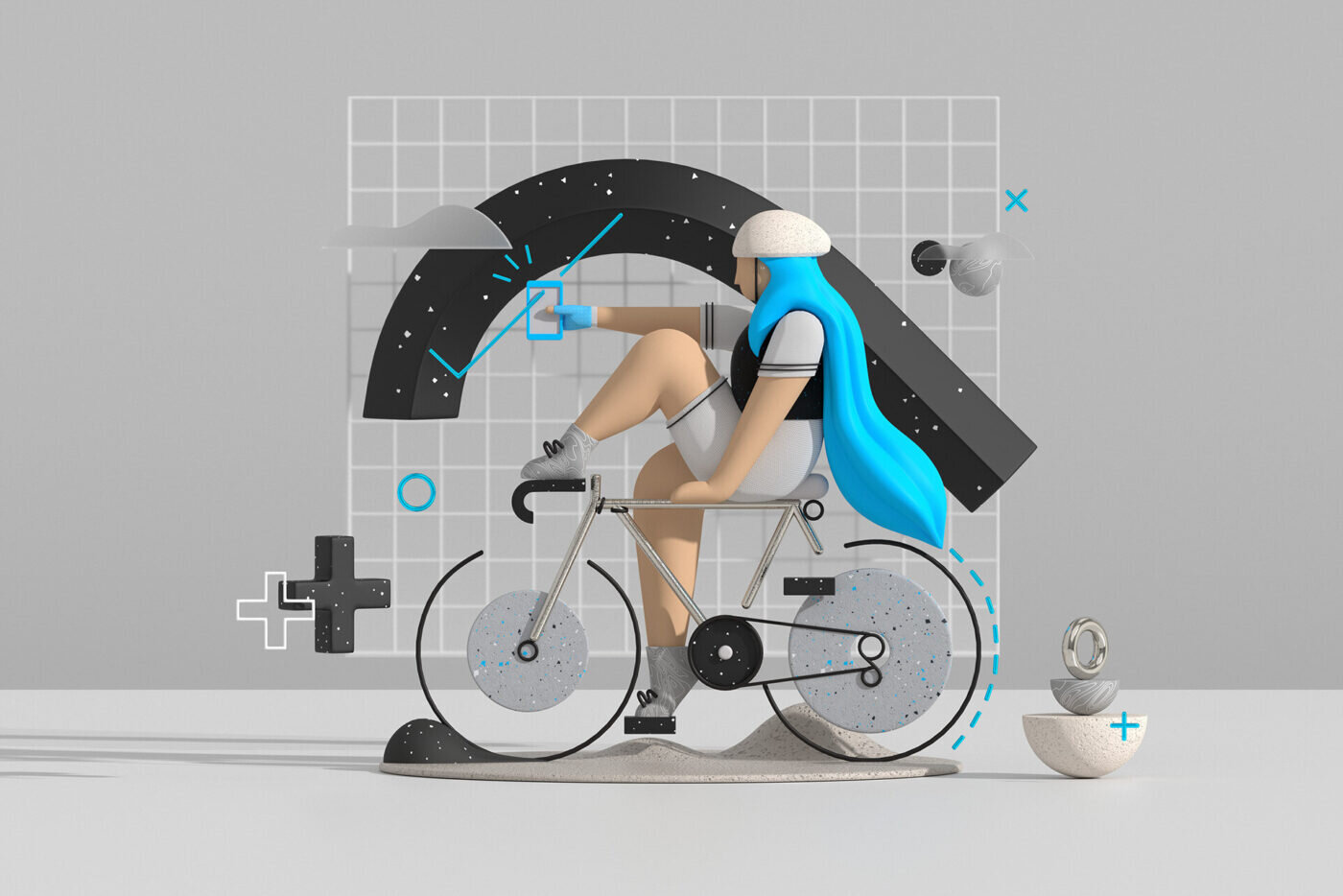
When choosing the right software for your needs, consider the following:
- Project Requirements: Assess your project’s specific needs, such as 2D or 3D graphics, effects, and interactivity. For example, if your project requires high-quality 3D graphics and animation, you may want to consider a software package like Autodesk Maya or 3ds Max. If you’re working on projects that require 2D animation and compositing, then you can choose from options such as Adobe After Effects or Apple Motion.
- Budget: Different software comes at different price points. Evaluate what you can afford and whether it aligns with your project’s potential returns. If you’re just starting out, then you may want to invest in a cheaper software package. You can always upgrade later if your project requires additional features or functionality.
- Learning Curve: Some software is more beginner-friendly than others; some require a steeper learning curve than others (or none at all). Choose one that matches your expertise level and time available for learning and mastering the software. If you’re a beginner, try to choose software that offers extensive training and tutorials so that you can get up to speed quickly.
Conclusion
Motion graphics are a dynamic and creative way to engage your audience and convey messages effectively. As you can see, there are many tools and software options for creating motion graphics. We’ve covered some of the best ones here, but if none of them seem like a good fit for your project, then don’t worry! There are still plenty more options out there that we didn’t mention. The key is to find something that works with your budget and skill level so that it doesn’t get in the way of creating awesome content that will engage your audience. In the end, it’s all about finding the right tool for you—so don’t be afraid to experiment!