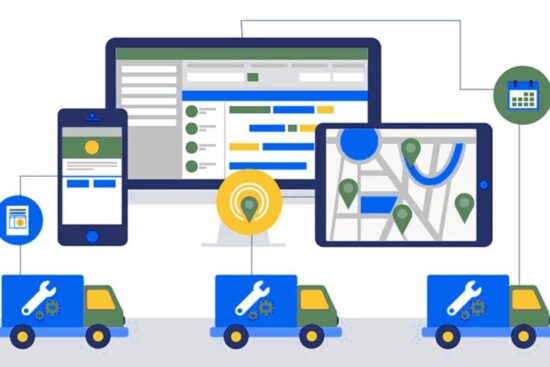
Field service software for small businesses is a technology solution that revolutionizes the management and organization of field service operations. By providing a centralized platform, it optimizes scheduling, dispatching, communication, and other critical tasks involved in delivering services on-site. This article explores the key features and benefits of field service software, including efficient scheduling and dispatching, streamlined communication, and automation of administrative tasks. Additionally, it highlights the integration capabilities of this software with other business tools, facilitating seamless data sharing and enhancing overall operational efficiency for small businesses.
What is Field Service Software for Small Businesses?
Field service software for small businesses is a technology solution designed to optimize the management and organization of field service operations. It provides a centralized platform that helps streamline scheduling, dispatching, communication, and other critical tasks involved in delivering services on-site.
One of the key features of field service software is scheduling and dispatching. Businesses can create service schedules, assign tasks to technicians, and track their progress in real time. This ensures that jobs are allocated efficiently, reducing delays and improving customer satisfaction. It also helps in optimizing routes to minimize travel time and fuel costs.
Communication is another important aspect of field service software. It allows business owners, dispatchers, and technicians to stay connected through mobile devices or desktop tools. Real-time updates and notifications enable effective collaboration, ensuring that everyone is on the same page. In addition, technicians can access customer information, service history, and documentation via the software, enabling them to provide personalized and efficient service.
Field service software also includes features to streamline administrative tasks. This includes generating and sending invoices, tracking inventory and assets, managing work orders, and collecting customer feedback. Automation of these processes helps save time and enhances productivity.
Furthermore, field service software often integrates with other business tools, such as CRM systems, accounting software, and payment gateways. This integration facilitates seamless data sharing across different departments, enabling businesses to streamline their operations and improve overall efficiency.
In summary, field service software for small businesses is a comprehensive solution that streamlines the management of field service operations. Its features and capabilities help optimize scheduling, dispatching, communication, and administrative tasks, leading to improved productivity, customer satisfaction, and business success.
Benefits of Field Service Software for Small Businesses
Field service software automates manual processes such as scheduling, dispatching, and invoicing, reducing the need for paperwork, phone calls, and repetitive administrative tasks. This streamlines operations saves time and improves overall efficiency.
1. Enhance Customer Satisfaction
With field service software, businesses can schedule and dispatch technicians quickly, optimizing routes and reducing travel time. This allows for faster response times to customer requests, leading to increased customer satisfaction and loyalty.
2. Improve Communication
Field service software provides a centralized platform for real-time communication and collaboration. Dispatchers can easily assign tasks to technicians, who receive instant updates and notifications on their mobile devices. This improves coordination between team members, reduces miscommunication, and ensures everyone has the latest information necessary to complete a job successfully.
3. Optimize Resource Allocation
Efficient resource allocation is crucial for small businesses. Field service software helps optimize resource allocation by analyzing data such as technician availability, skills, and location. It also helps manage inventory and assets effectively. By reducing travel time, optimizing routes, and preventing unnecessary expenses, businesses can minimize costs and maximize profitability.
4. Gain Insights and Improve Decision-Making
Field service software provides businesses with valuable insights through real-time data. Managers can track technician performance, monitor job progress, and gather customer feedback. This data helps in making informed decisions, identifying areas for improvement, and implementing strategies to enhance service quality and customer satisfaction.
5. Enhance Business Growth and Scalability
Field service software lays a strong foundation for business growth. By automating processes, improving efficiency, and delivering superior service, businesses can enhance their reputation, attract new customers, and increase revenue. Moreover, the scalability of field service software allows businesses to adapt and expand as their operations grow easily.
Top 5 Field Service Software for Small Businesses
Learn about the top field service software options for small businesses. From comprehensive solutions like ServiceTitan and Salesforce Field Service to user-friendly platforms like Jobber and Housecall Pro, explore the features and benefits they offer.
1. ServiceTitan

ServiceTitan is a comprehensive field service software that offers end-to-end management capabilities. It provides features such as scheduling, dispatching, invoicing, inventory management, and CRM tools. With its user-friendly interface and robust functionalities, ServiceTitan is suitable for small businesses in various industries.
Price: ServiceTitan offers customizable pricing plans tailored to the specific needs and size of each business. Pricing details are available upon request.
Notable Features
- Scheduling and Dispatching: ServiceTitan allows businesses to efficiently create schedules and assign jobs to technicians through a drag-and-drop interface. Real-time updates and notifications keep everyone on track.
- CRM Integration: Integration with a robust CRM system enables businesses to manage customer relationships, track interactions, and provide personalized service.
- Mobile Access: Technicians can access all relevant information, including customer history and job details, on their mobile devices, eliminating the need for paperwork and improving productivity.
- Payment Processing: ServiceTitan provides a secure platform for accepting payments, allowing businesses to generate invoices and process transactions seamlessly.
- Reporting and Analytics: The software offers advanced reporting and analytics features, enabling businesses to gain insights into key metrics, track performance, and make data-driven decisions.
Summary
ServiceTitan offers a comprehensive suite of features for small businesses, including scheduling, dispatching, CRM integration, mobile access, payment processing, and robust reporting. Its customizable pricing plans make it accessible to businesses of all sizes and industries.
Watch Out For: ServiceTitan may have a steeper learning curve compared to simpler field service software solutions. Additionally, some businesses may find the pricing higher compared to other options in the market.
2. Jobber
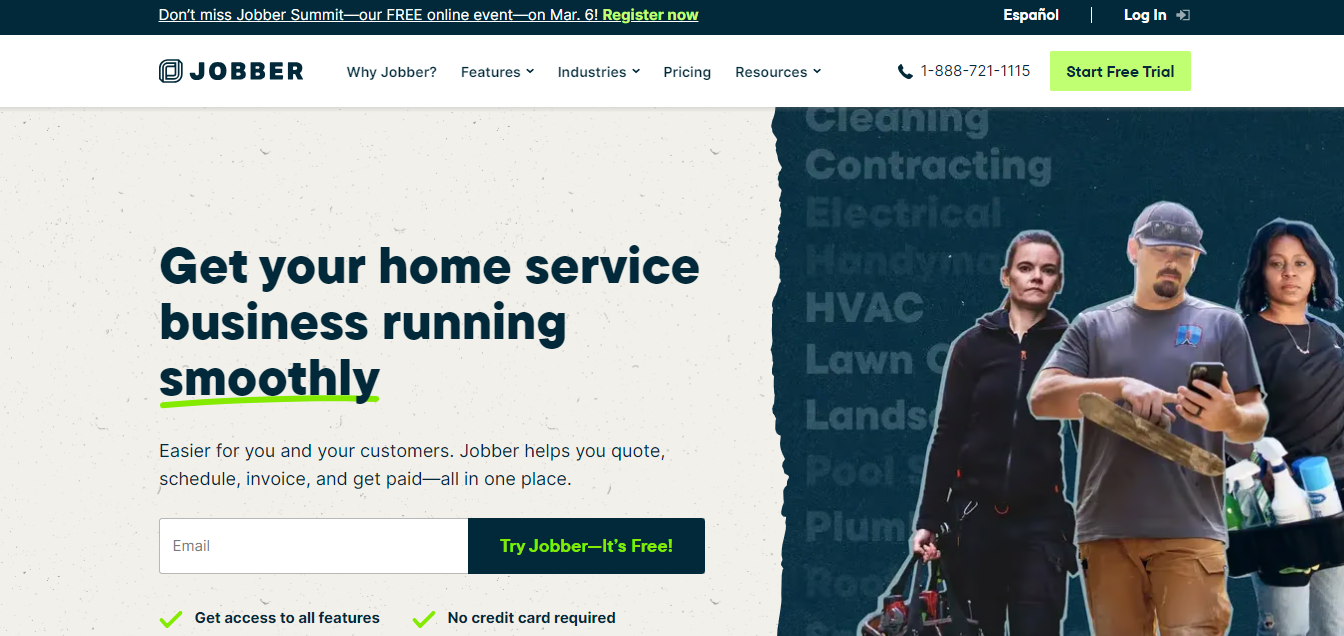
Jobber is cloud-based field service software that simplifies and automates scheduling and dispatching tasks. Its user-friendly interface and straightforward functionalities make it a popular choice for small businesses.
Price: Jobber offers multiple pricing plans starting from $29 per month for a single user. Additional features and user licenses are available at higher pricing tiers.
Notable Features
- Scheduling and Dispatching: Jobber streamlines scheduling by allowing businesses to create and adjust appointments quickly. It optimizes routes, assigns jobs to technicians, and provides real-time updates on their mobile devices.
- Communication Tools: Jobber’s mobile app facilitates communication between the office and field workers, allowing for seamless coordination and efficient job completion.
- Invoicing and Payment Collection: The software enables businesses to generate professional invoices, accept online payments, and track payment statuses, streamlining the billing process.
- Client Portal: Jobber provides a client portal where customers can access their service history, view upcoming appointments, and request new services, improving overall customer experience.
- Third-Party Integrations: Jobber integrates with popular business tools such as QuickBooks, Stripe, and Square, ensuring seamless data flow and reducing manual data entry.
Summary
Jobber offers an intuitive platform for scheduling, dispatching, communication, invoicing, and payment collection. Its affordable pricing plans cater to small businesses, making it a popular choice.
Watch Out For: Jobber’s focus on scheduling and dispatching may lack some of the advanced features found in other field service software. Moreover, businesses with complex reporting or analytics requirements may find Jobber’s capabilities limited.
3. Housecall Pro
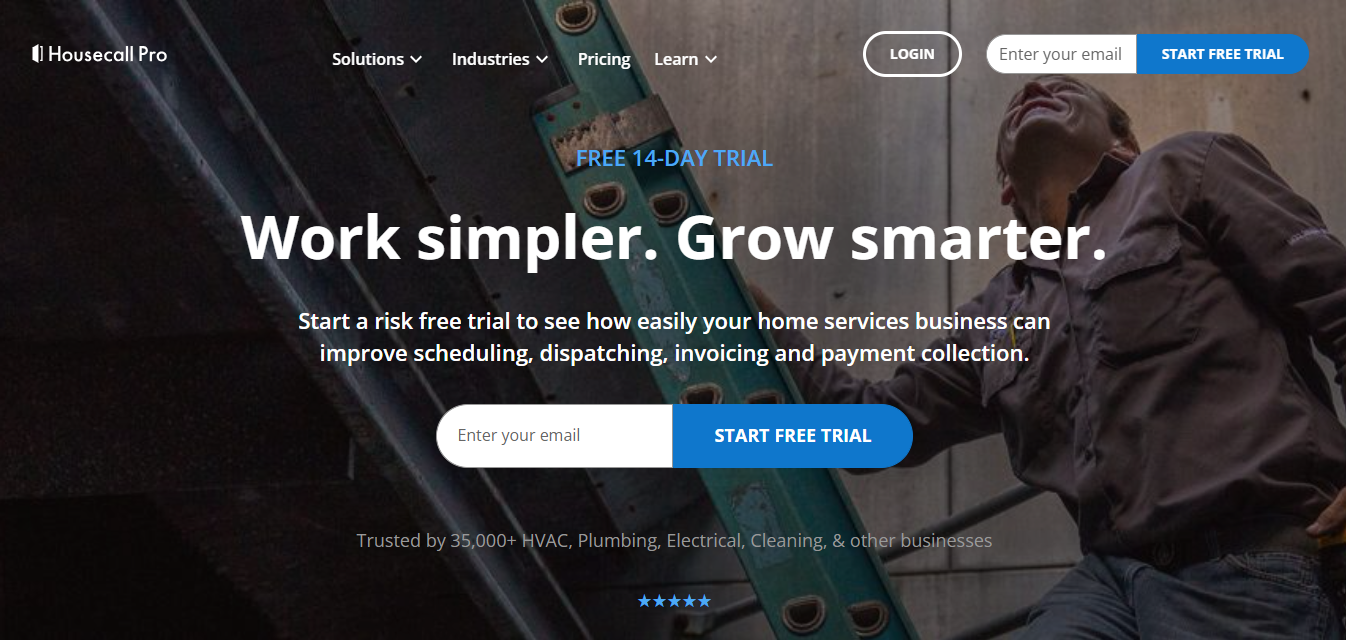
Housecall Pro is an all-in-one field service software that covers various business needs. It offers features such as online booking, dispatching, invoicing, payment processing, and customer engagement tools. Its emphasis on user-friendliness and customer satisfaction makes it a popular choice among small businesses.
Price: Housecall Pro offers three pricing plans starting from $49 per month for a single user. Higher-priced plans provide additional features and user licenses.
Notable Features
- Online Booking: Housecall Pro allows businesses to offer online booking options to customers, making it convenient for them to schedule services from their devices.
- Dispatching and Routing: The software optimizes routes based on job locations, ensuring technicians reach their destinations efficiently. Real-time updates and notifications keep everyone informed.
- Invoicing and Estimates: Housecall Pro enables businesses to create customized invoices, estimates, and receipts. It also tracks invoice status and facilitates online payment collection.
- Customer Notifications: Businesses can keep customers informed by sending automated text and email notifications for appointment reminders, technician arrival updates, and service completion.
- Customer Reviews: Housecall Pro helps businesses gather and manage customer reviews, improving online reputation and customer engagement.
Summary
Housecall Pro offers a comprehensive suite of features, including online booking, dispatching, invoicing, customer notifications, and customer review management. Its user-friendly interface and focus on customer satisfaction make it a popular choice for small businesses.
Watch Out For: Some users may find that the software lacks advanced reporting and analytics capabilities. Additionally, the pricing plans can become more expensive as businesses require additional features and user licenses.
4. FieldEdge
FieldEdge is a field service software specifically designed for service-based industries such as HVAC, plumbing, and electrical. It provides industry-specific features like flat rate pricing, maintenance agreements, and work order management. FieldEdge helps small businesses in these industries streamline their workflows, simplify field operations, and deliver top-notch service.
Price: FieldEdge offers customized pricing plans tailored to each business’s unique requirements. Pricing details can be obtained by contacting the FieldEdge sales team.
Notable Features
- Flat Rate Pricing: FieldEdge includes a robust flat rate pricing module that helps businesses provide transparent pricing to customers, reducing confusion and improving trust.
- Maintenance Agreements: The software allows businesses to create and manage recurring maintenance agreements, ensuring regular servicing and steady revenue streams.
- Work Order Management: FieldEdge streamlines work orders by providing efficient workflows, job tracking, and technician scheduling capabilities.
- Inventory Tracking: The software helps businesses manage their inventory by tracking current stock levels, automating reordering, and ensuring technicians have the necessary parts and equipment.
- Mobile Access and Offline Capabilities: FieldEdge’s mobile app allows technicians to access customer information, update work orders, and complete tasks even without an internet connection.
Summary
FieldEdge offers industry-specific features tailored for service-based businesses like HVAC, plumbing, and electrical. Its comprehensive solution covers flat rate pricing, maintenance agreements, work order management, inventory tracking, and offline mobile capabilities.
Watch Out For: Businesses outside of the specific service industries may find FieldEdge’s features less applicable to their needs. Additionally, customized pricing plans may not be cost-effective for businesses with fewer industry-specific requirements.
5. Salesforce Field Service

Salesforce Field Service is a comprehensive field service software that seamlessly integrates with the Salesforce CRM platform. It allows businesses to manage service orders, dispatch technicians, and track performance. With its powerful analytics and reporting capabilities, Salesforce Field Service empowers small businesses to gain valuable insights and make informed business decisions.
Price: Salesforce Field Service pricing is available upon request and can vary depending on the specific requirements of the business.
Notable Features
- Service Order Management: Salesforce Field Service enables businesses to create, schedule, and manage service orders efficiently, ensuring timely completion and customer satisfaction.
- Dispatching and Resource Optimization: The software optimizes technical assignments based on skills, location, availability, and business rules, maximizing efficiency and reducing travel time.
- Real-Time Tracking and Updates: Salesforce Field Service provides real-time visibility into job progress, allowing businesses to stay informed and quickly adapt to any changes or delays.
- Analytics and Reporting: The software offers robust analytics and reporting capabilities, allowing businesses to track key metrics, identify trends, and make data-driven decisions.
- Integration with Salesforce CRM: The integration between Salesforce Field Service and Salesforce CRM provides a seamless flow of data, allowing businesses to provide personalized and holistic customer service.
Summary
Salesforce Field Service offers comprehensive features for managing service orders, dispatching, resource optimization, real-time tracking, analytics, and integration with the Salesforce CRM platform. Its powerful capabilities make it a suitable choice for small businesses looking for an integrated solution.
Watch Out For: Salesforce Field Service may have a steeper learning curve compared to other software options. Additionally, the pricing may be higher compared to other field service software, especially for businesses not already using Salesforce CRM.
Factors to Consider when Choosing Field Service Software for Small Businesses
When selecting field service software for small businesses, there are several factors to consider. These factors include the specific needs of your business, the industry you operate in, the scalability and customization options of the software, integration capabilities with other systems, and the overall cost and return on investment. By carefully evaluating these factors, you can choose a field service software that best meets the unique requirements of your small business.
1. Business Needs Assessment
Evaluate your small business’s specific needs, such as scheduling, dispatching, invoicing, customer management, inventory tracking, and reporting. Consider the key functionalities required to streamline your field service operations.
2. Industry-Focused Features
Some industries, like HVAC, plumbing, and electrical, have specific requirements. Look for software that offers industry-focused features like flat rate pricing, maintenance agreements, work order management, and specialized inventory tracking relevant to your industry.
3. Scalability and Customization
Consider the software’s scalability to ensure it can grow with your business. Look for customization options that allow you to tailor the software to suit your unique workflows, processes, and business requirements.
4. Integration Capabilities
Assess the software’s integration capabilities with other systems your business uses, such as CRM, accounting software, payment gateways, and communication tools. Seamless integration can save time, eliminate data duplication and errors, and enhance overall operational efficiency.
5. Cost and ROI Analysis
Evaluate the cost structure of the software, including upfront fees, monthly subscriptions, implementation costs, and any additional charges for extra features or user licenses. Consider the return on investment that the software can deliver, weighing the benefits against the cost to ensure it aligns with your budget and brings value to your business.
6. User Interface and Ease of Use
Consider the user interface and ease of use of the software, particularly if your team has limited technical expertise. Look for a software solution with a user-friendly interface, clear navigation, and interactive elements that can improve user experience.
7. Customer Support and Training
Evaluate the customer support and training offerings of the software provider. Choose a software vendor that offers robust customer support options, such as phone or email support, live chat, or knowledge base resources. Additionally, look for a software solution that offers training resources, including guides, webinars, or onboarding sessions, to ensure your team can easily learn and use the software.
Conclusion
In conclusion, field service software is an essential tool for small businesses looking to enhance their field service operations. By enabling efficient scheduling and dispatching, streamlined communication, and automation of administrative tasks, it empowers businesses to provide timely and personalized services while maximizing productivity. The integration capabilities of this software also facilitate seamless data sharing and collaboration, enabling small businesses to streamline their operations and improve overall efficiency. With the implementation of field service software, small businesses can achieve improved customer satisfaction, increased profitability, and sustained success in the market.